
BO3-Enhanced Guide
-
BO3Enhanced - Ezz Setup Tutorial
Prerequisites
- BO3Enhanced
- Windows Store Dump (Backup Link)
- BO3 Game files (Step 1&2)
- Support Server: https://discord.gg/ezz
BO3Enhanced is a recently published modification (by Serious and Emma) to the Windows Store edition of Black Ops 3 that lets you use Steam game files and play with other steam players. It will give you way better performance and stability compared to previous solutions. There should be fewer issues installing this over BOIII.
Installation Steps
1. Download Required Files
- Get the latest BO3Enhanced from the official GitHub Repository
- Download Windows Store Dump files from the links above
- You can verify file authenticity of the dump by comparing hashes at: https://github.com/shiversoftdev/BO3Enhanced/blob/master/checksums.txt
2. File Setup
- Locate your BO3 installation folder
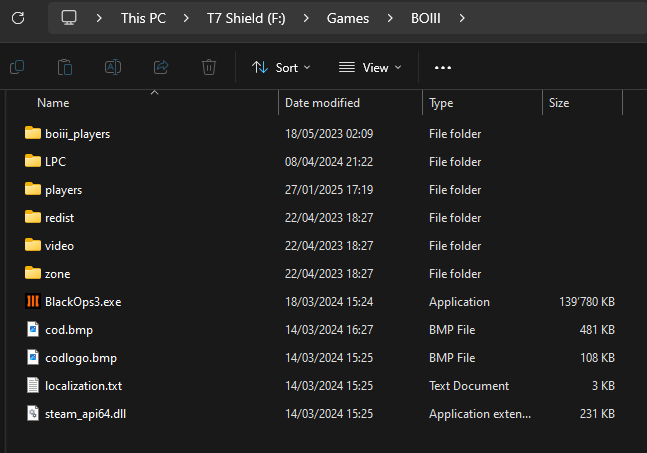
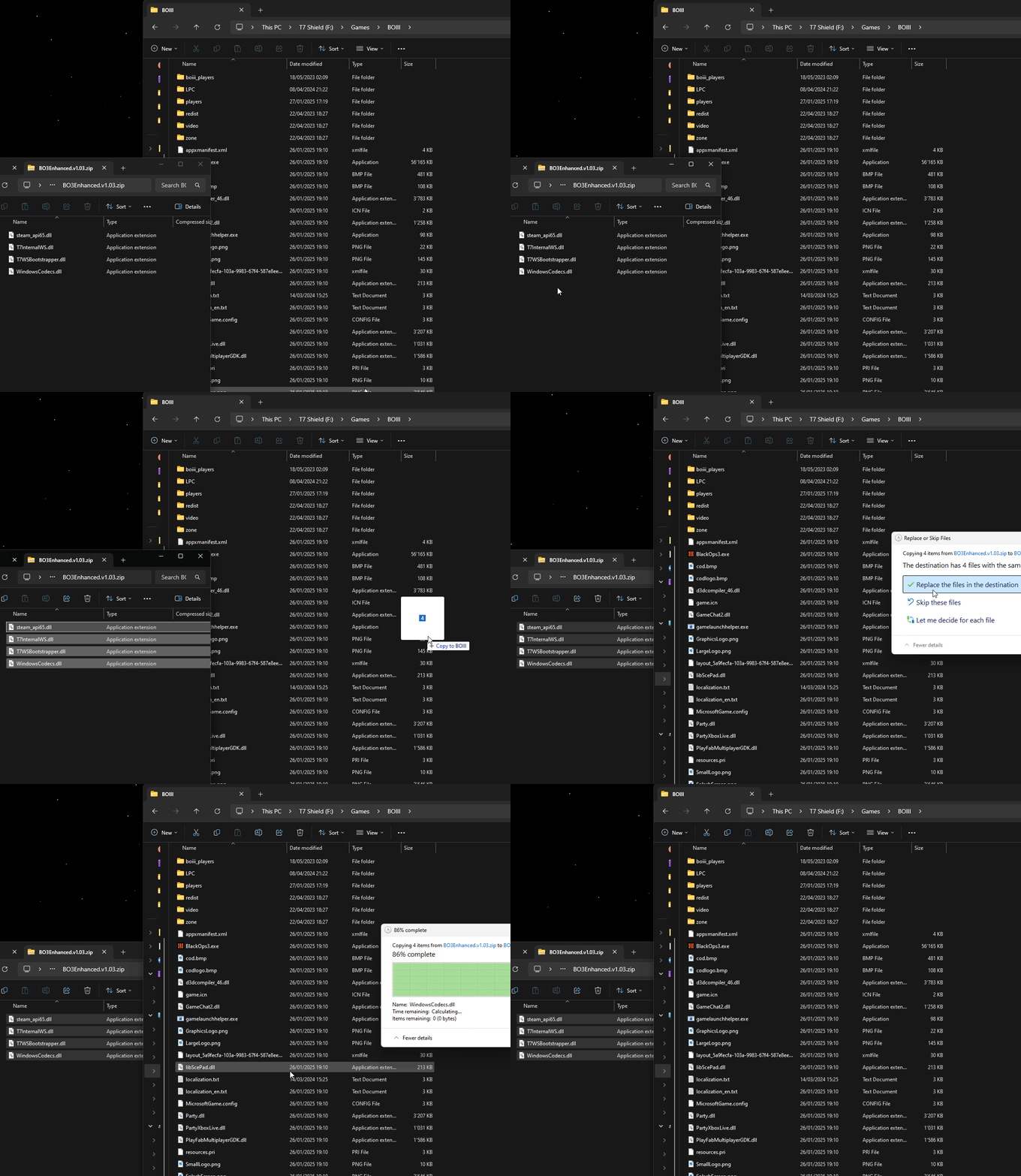
- Extract and copy all DUMP.zip files to your BO3 directory
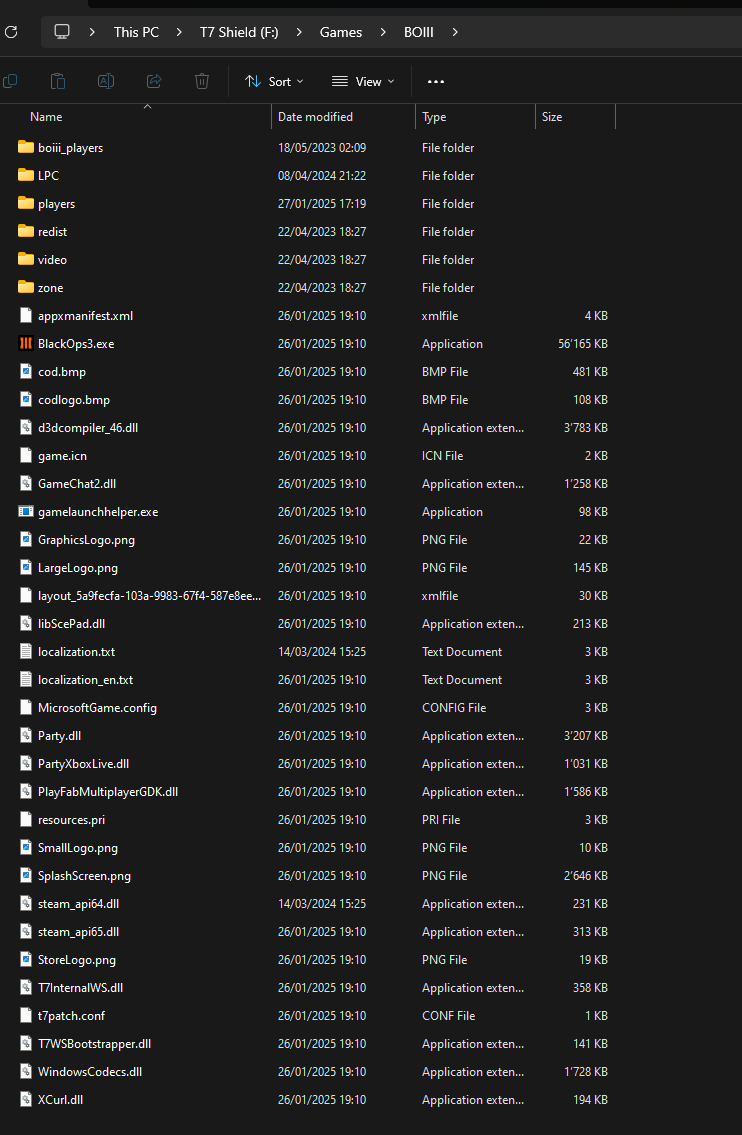
- When prompted to replace files, confirm the action
- Extract and copy the latest BO3Enhanced files over the existing files
3. Verify Installation
Your directory should now contain:
- All base game files
- Windows Store Dump components
- Updated BO3Enhanced files
Troubleshooting
XGameRuntime Error
If you see the XGameRuntime error:
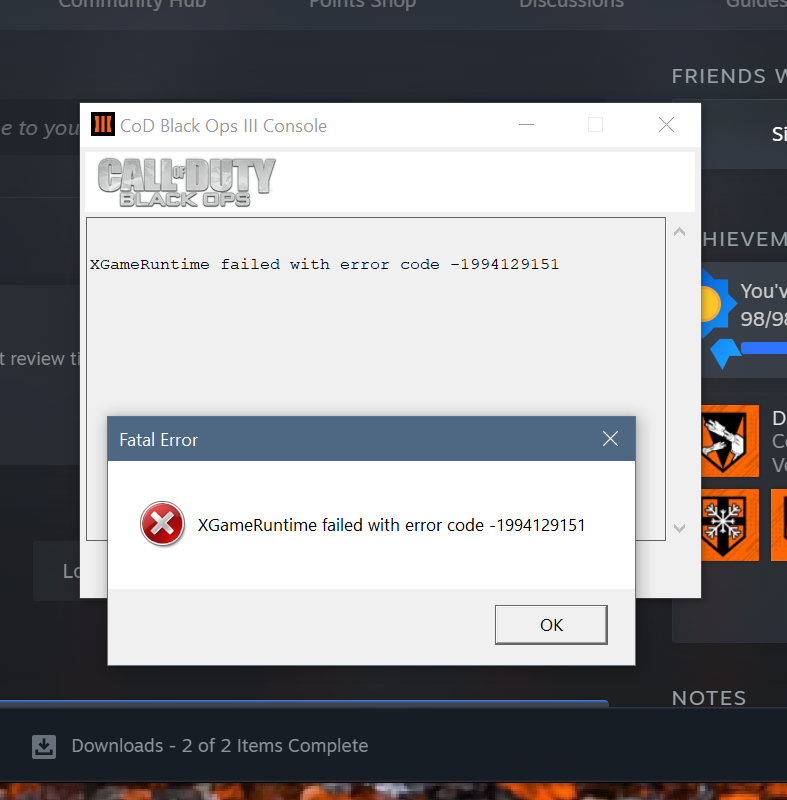
- Install Gaming Services from: https://apps.microsoft.com/detail/9MWPM2CQNLHN
- For other issues, use the repair tool: https://support.xbox.com/en-US/help/games-apps/troubleshooting/gaming-services-repair-tool
Encrypted Files Issue
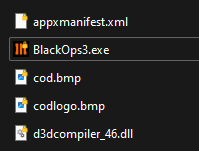
If files show yellow lock icons:- Right-click the affected file
- Select "File Ownership"
- Change to "Personal"

Need More Help?
Join our Discord for additional support!
-
 S Skwll pinned this topic on
-
S Skwll locked this topic on
Hello! It looks like you're interested in this conversation, but you don't have an account yet.
Getting fed up of having to scroll through the same posts each visit? When you register for an account, you'll always come back to exactly where you were before, and choose to be notified of new replies (either via email, or push notification). You'll also be able to save bookmarks and upvote posts to show your appreciation to other community members.
With your input, this post could be even better 💗
Register Login