
Its easy tho, doesnt require a advanced knowledge to do it :v
 S
S
Sabino
@Sabino
Posts
-
How to Play BOIII with Friends via PLAYIT.GG (NEW METHOD) -
Any way to put GIFs as profile pics in the game? -
How to Play BOIII with Friends via PLAYIT.GG (NEW METHOD)NOTE: THIS IS A SIMPLE AND DIFFERENT METHOD FOR PLAYERS WHO COULDN'T GET WORK RADMIN/HAMACHI METHOD FROM FROZEDY GUIDE TO PLAY WITH FRIENDS
🛠️ STEP 1: Set Up PlayIt.GG
We will go to this page here and download the SET UP:
Once downloaded, we will open the .exe and install it on our PC (Totally safe)
We are going to open "Playit.gg.exe" in our Desktop, this will open a CMD with a message on it
"Visit link to setup (https,blah,blah,blah)" what are you gonna do is to copy only the link and put it in your search box in your navigator web💻 STEP 2: Account on Playit.gg
Once you put the link that the CMD provide you, it will appear that you need to create a account, click on it and you will use a Guest Account or you can create a normal account, both can work aswell
A message will pop up indicating that the program would like to create a new agent on your account, you will press on "Continue" orange bottom, another message will pop up, you will press "Continue" again
Now on the "Step 4" from the Setup Guide in PlayIT.gg site, you will press "Create Tunnel", once you go into it, it will appear up 3 option
"Use Shared IP" "Use Dedicated IP" "Use Dedicated Port", in our case will we you a Shared IP, on "Region" we will leave "Global Anycast" cause its the only one free and that one we need and "Tunnel Type" we will select "TCP+UDP (protocol)", once you done with it, you will make sure that "Enable Tunnel" is checked and you done, click on "Add Tunnel"Now you will see a "Update Local Address" section, below we will see two box "Local Address" and "Local Port", on Local Address we will leave it empty but in Local Port we will put 27017, once you put it, click on Update.
🕹️ Step 3: Hosting a Match:
Open BOIII and boot the game and select any mode (Zombies or Multiplayer)
Create a Private Match on any map, open the console (~) and type this command lobby_min_players 2 and start the match.
NOTE 2: The Match it will not start until the second player joins, and I will tell you how
🚀 Step 4: Connect to your friend match
Get back to "PlayIT.gg" web site and in your "Tunnel" section, beside of your Tunnel name, it will be two IP (The Domain IP and the Public IP) both can work, now copy any of the two IP and send it to your friend
Once your friend has the IP, he will type in his console connect (IP) and pum, he will join into your match.
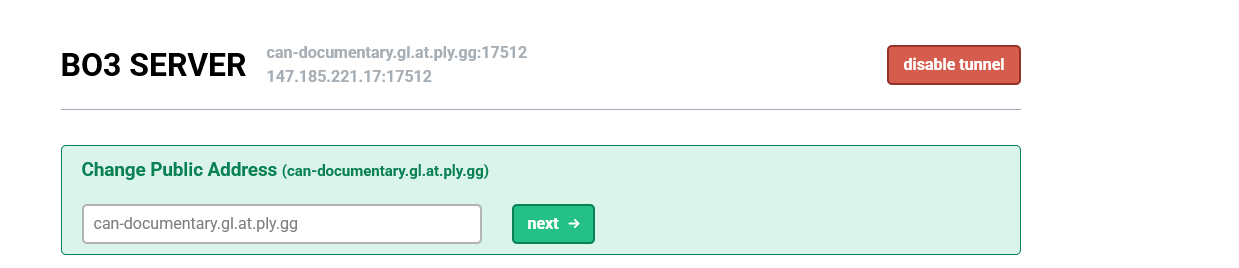
NOTE 3: The CMD has to be always open and running in the background for it to work, otherwise it won't work. You'll do this every time you want to play with your friends.
This methods works thank to: @Krynnx (All credits goes for him)
-
Steam must be running/steam must be installed to run this game error@Thomas-Sonic Hi, I recommend you to Join our Discord Server to offer you help with your BO3 Issue, mention me once you have join into the server :)
-
error: agent 2310Try to not edit the .bat file with notepad, just leave it like Default settings and did you update the bnetinstaller?
-
BO3 - How To Use And Download BOIIIWDHello, Sabino reporting here because today I will bring you a simple and quick guide with his steps on how to use and download BOIIIWD (A tool to play Customs Maps and Mods in our Ezz Client for Black Ops 3) so lets get started
Step 1: Download the Tool
Okay, first simple step is to enter this link to download the tool BOIIIWD, we will only download the "realese.zip".
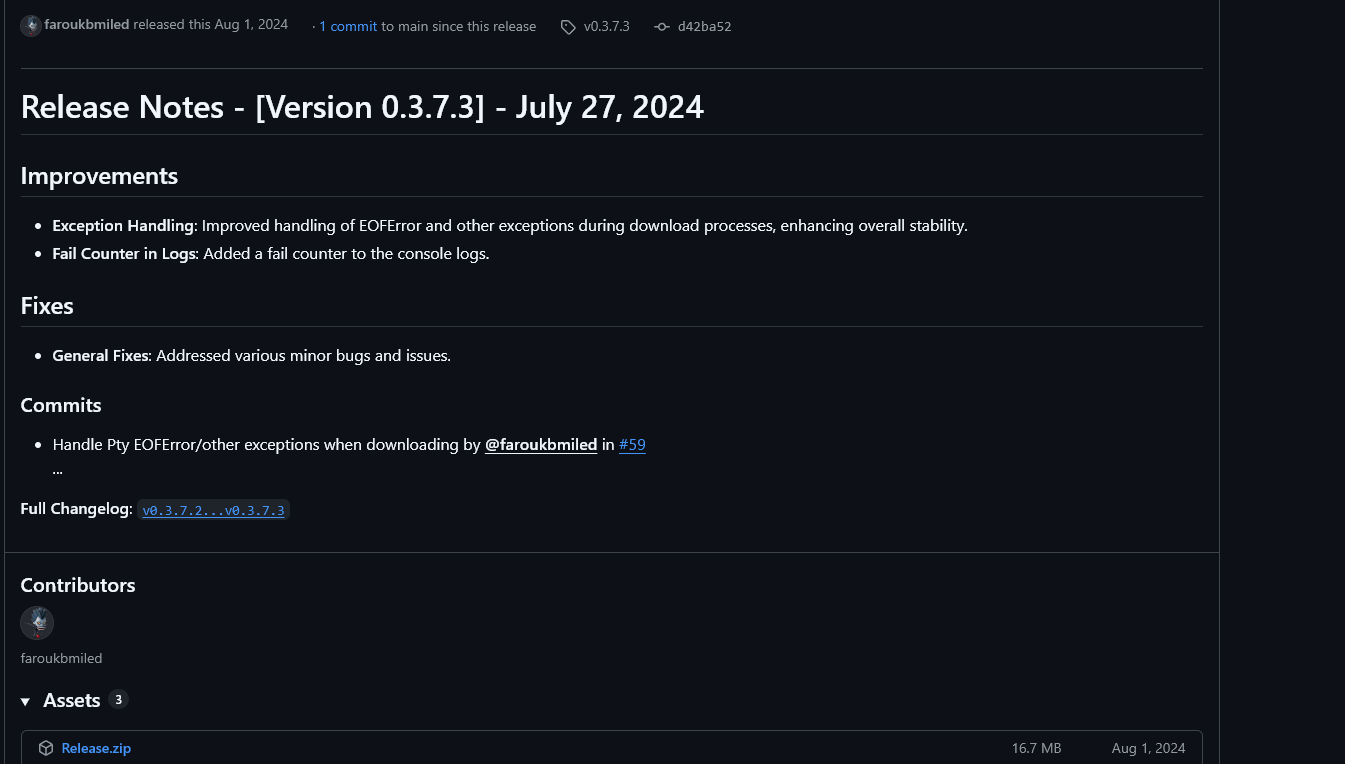
Step 2: Extract The .zip File
Now, we will go to where we downloaded the .zip and what we will do is right click and extract it (You can use Winrar, 7zip or the same extractor of Windows 11, whichever you like).
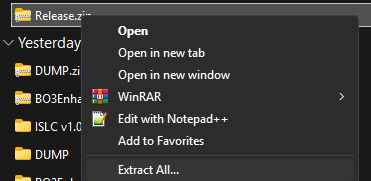
We will see that it will leave us a folder called Release and inside that folder will be the tool (BOIIIWD.EXE).

Step 3: Opening The Tool
Double click on BOIIIWD.exe
If you get this, don't worry, it's normal, just click on "More Info" and then on "Run anyway".
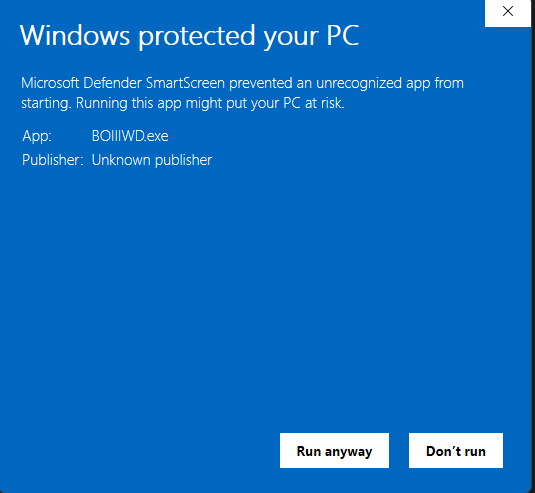
Okay, once it has opened completely, you will get a Warning message saying the following:
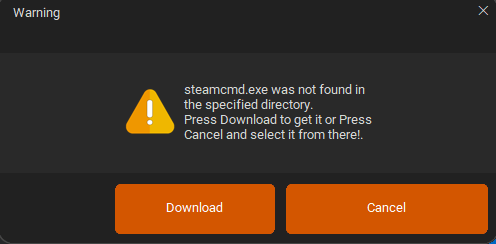
Just click on "Download" and another message will appear indicating that Steamcmd.exe is already installed correctly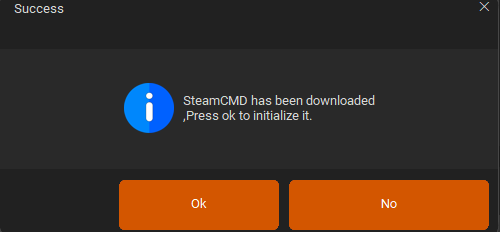
And another that BOIIIWD is ready to action (This took a few second to appear)
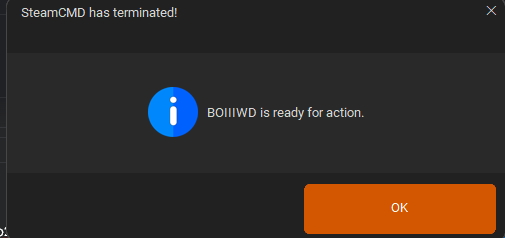
Step 4: Downloading the Custom Map/Mod
Okay, now you need to go to this option here
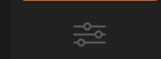 and we will look at this option here that says "Enter Game Folder"
Here we will place the path where our folder is located "t7_full_game"Quick Example:

Once the path is set correctly, we will click to Save option- Now we will go to the SteamWorkshop and we will look for a mod or custom map that we like to play with, now once we have located our mod or custom map, we will enter the page and we will look at the URL of the mod/custom map, we will see a section that says
 well, this ID will be copied "3507219917" and paste it in the box that have "Enter a workshop ID or Link to download"
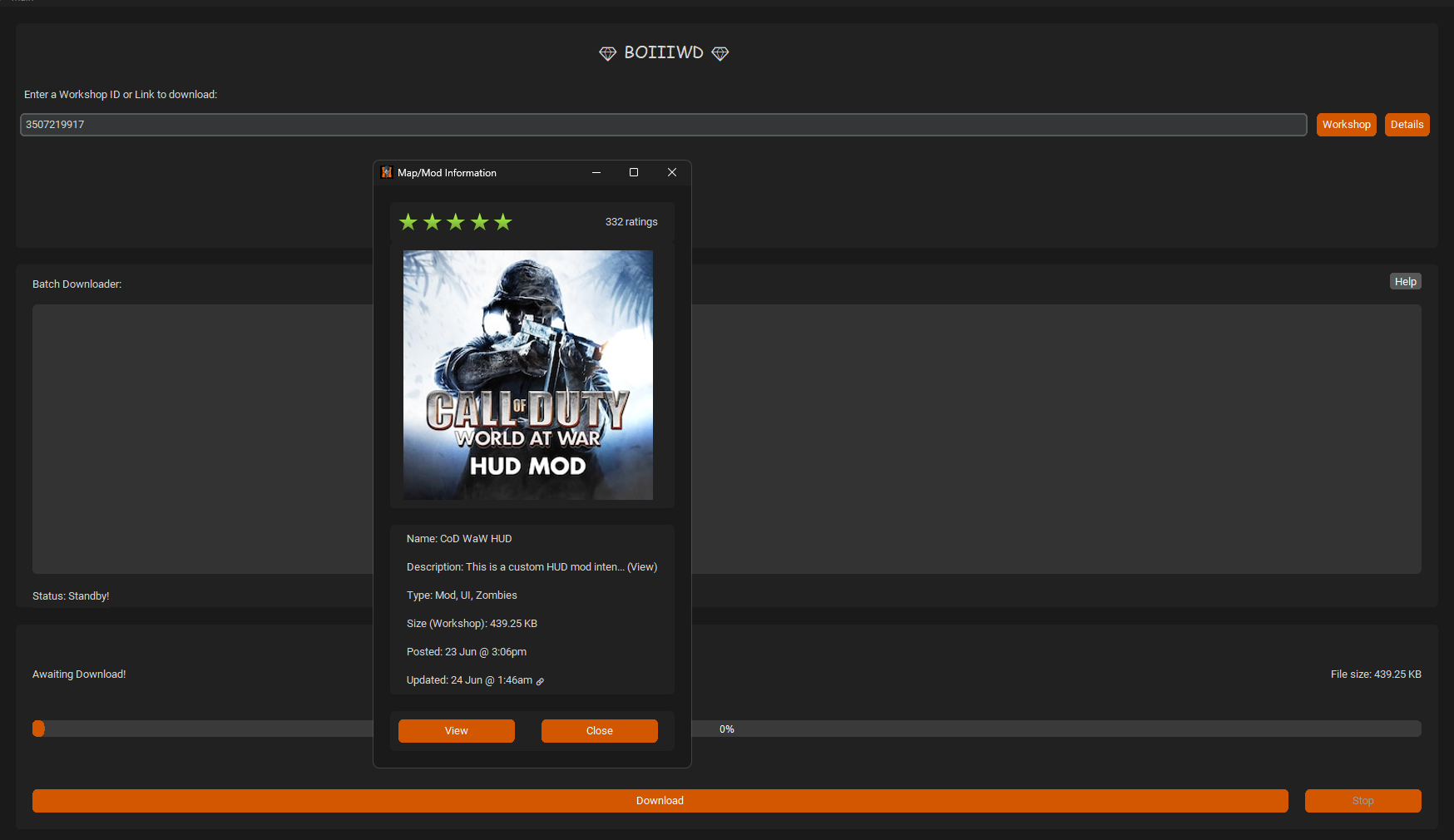
Once you paste the ID, just click on Download and wait until the download finished
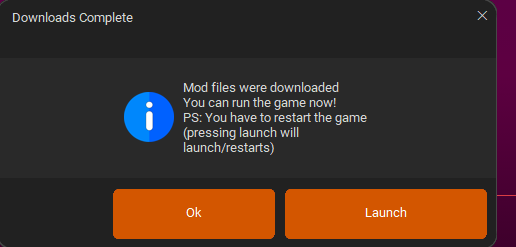
This point starts boiii.exe and boot the game
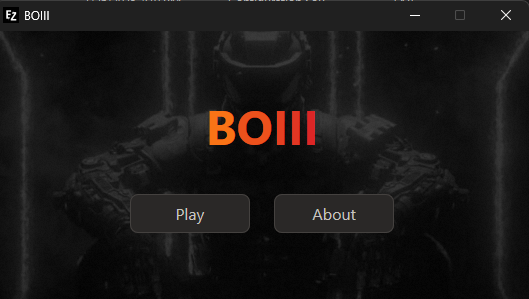
(NOTE: A LOT OF PLAYERS DO THIS AND BEFORE YOU SEND A MESSAGE TO BO3 SUPPORT SAYING THAT THE GAME DIDNT NOT OPEN AND THROW A "NO LICENSE FOUND" MESSAGE, DO NOT CLICK ON "LAUNCH GAME" INSIDE THE TOOL BECAUSE IT WILL NOT WORK, JUST CLOSE THE TOOL AND OPEN THE GAME NORMALLY FROM BOIII).
Step 5: Loading the Mod and testing it ingame
Once inside the game, being in the Main Menu, locate the "MODS" option.

And we will load the mod that we downloaded with the tool
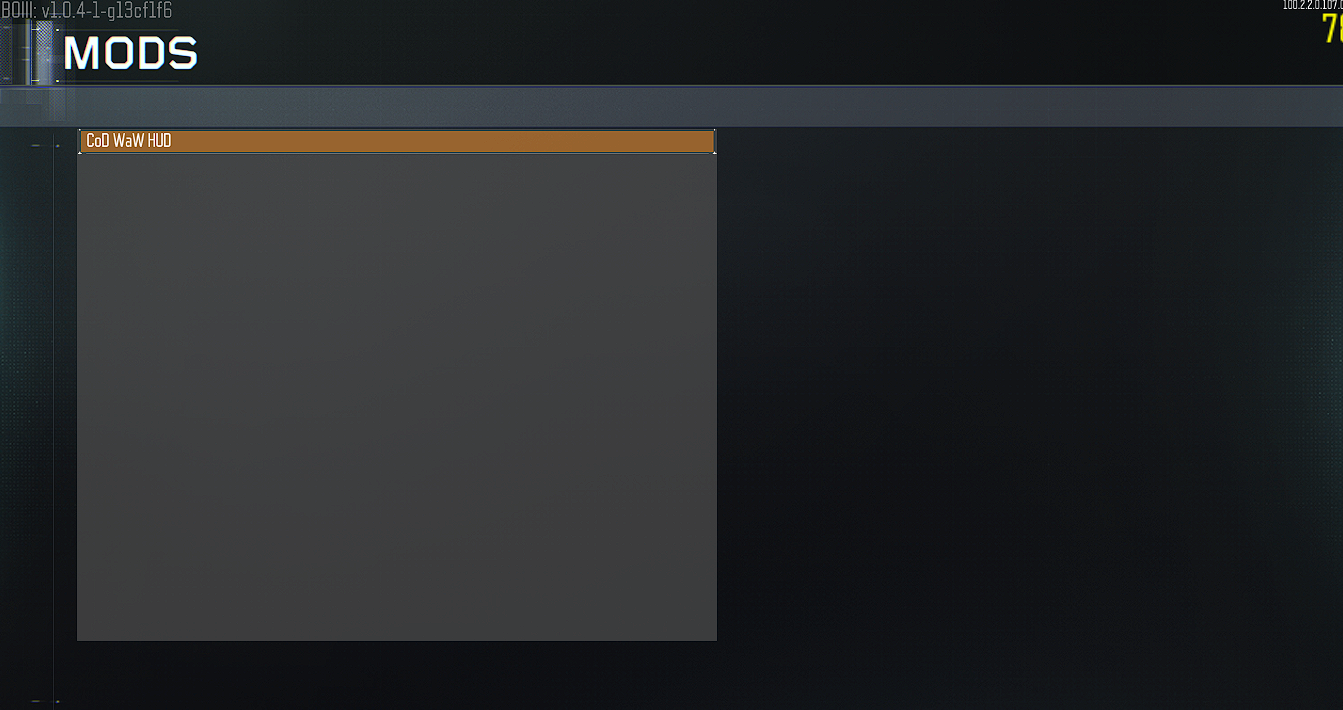
And how do we realize that the mod is fully loaded? we will see it in the right corner of our monitor.
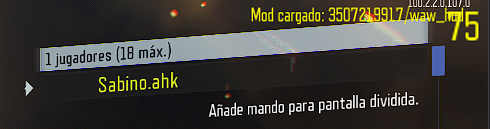
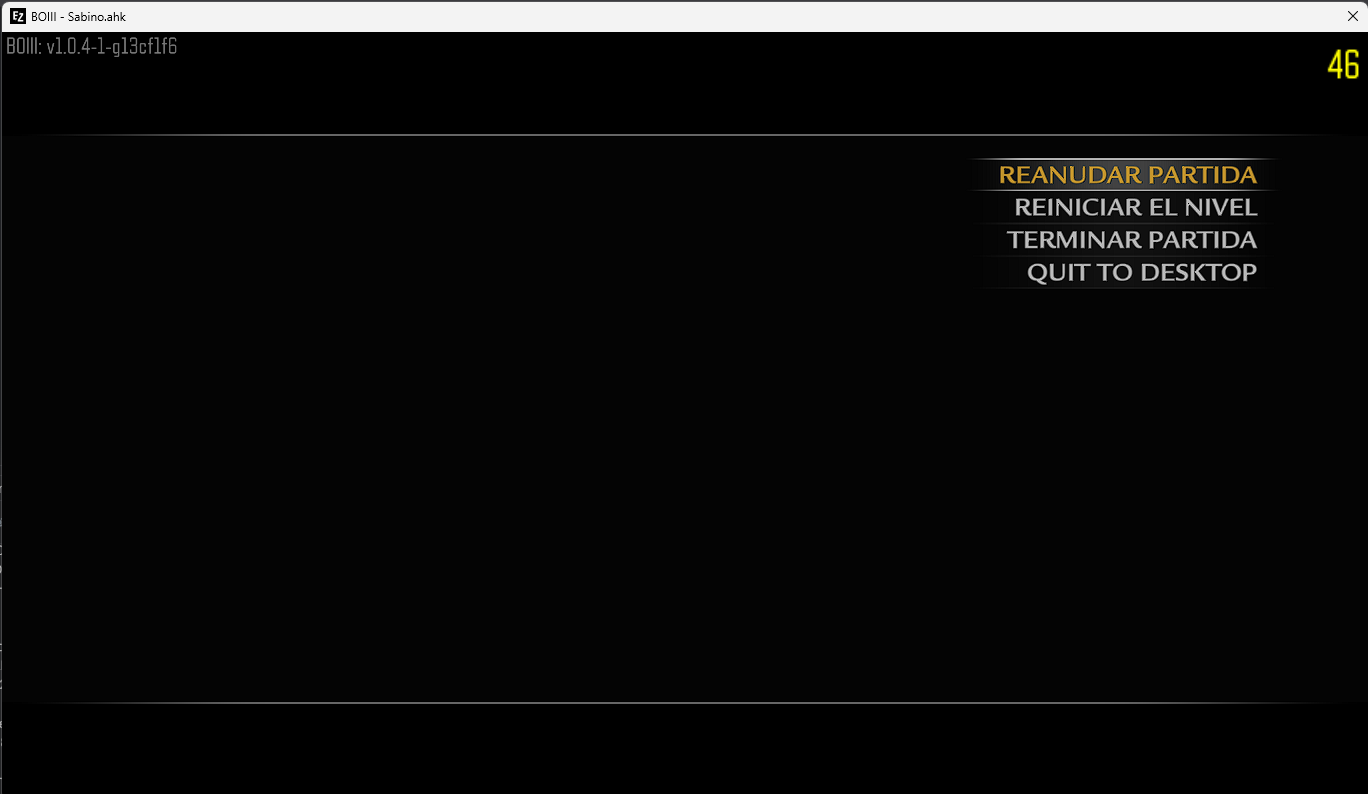
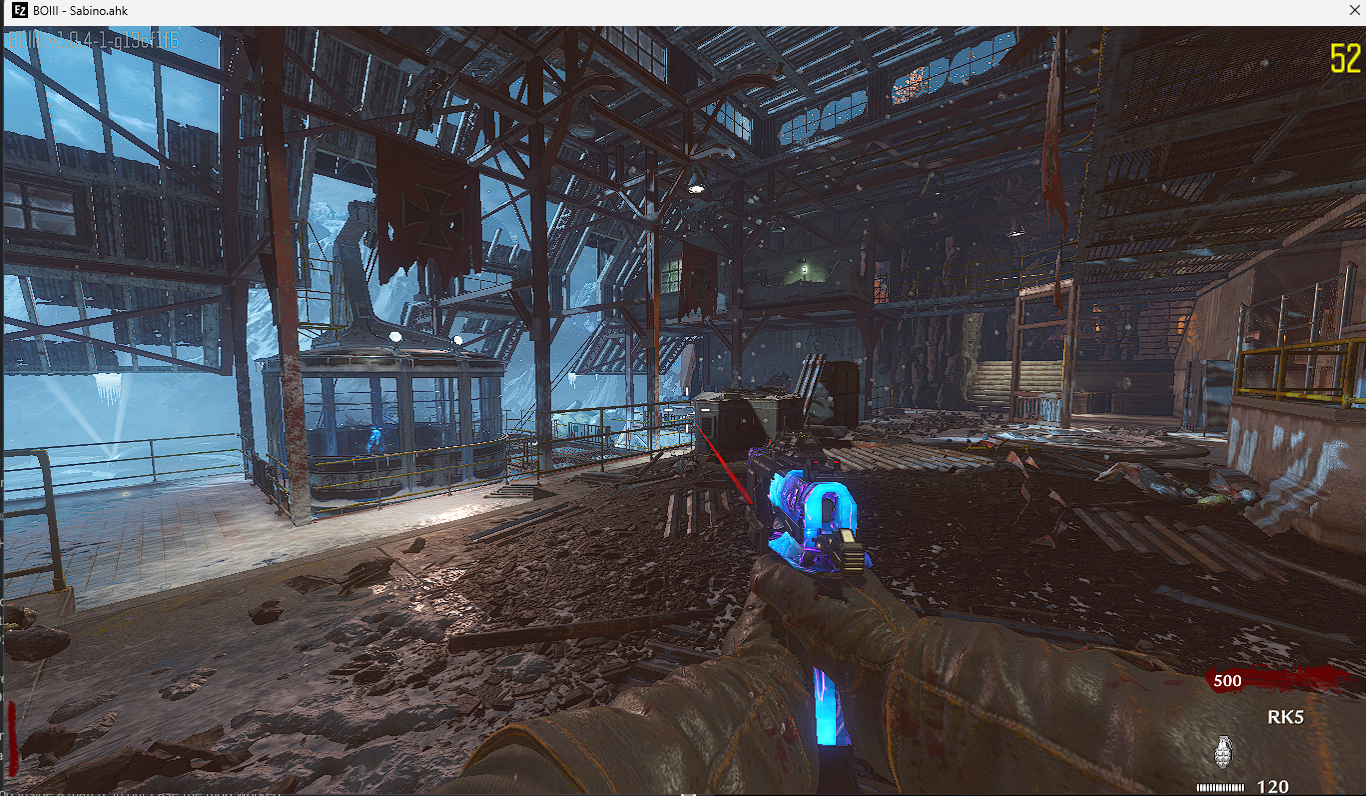
Now we only have to test the mod inside a match. In our case the mod worked changing the HUD WAW
If you have any questions or problems with the tool or the mod not loading properly, join the Discord Server EZZ SERVER to help you.
- Now we will go to the SteamWorkshop and we will look for a mod or custom map that we like to play with, now once we have located our mod or custom map, we will enter the page and we will look at the URL of the mod/custom map, we will see a section that says
-
DLC + base game crack